Why Whop?What It Does and Who It's Actually For

By Santosh Kumar, Founder of Shopiator
Why Whop: payments in 195 countries, no monthly fee, built-in affiliates, BNPL, memberships, and stores. Fees, honest downsides, and who should use it.
Whop calls itself the place to create or run a business with AI. In practice it is a payments platform that grew a storefront, memberships, affiliates, ads, and banking around the checkout. If you are weighing it against Stripe, Shopify, or a course platform, the real question is simple: why Whop, and for whom?
This page answers that with Whop's published fees, its own product screens, and the complaints sellers raise, so you can decide before you move a dollar.
2.7% + $0.30
Whop's rate per successful domestic card transaction, with no monthly platform fee listed.
Source: Whop fees page
What Is Whop?
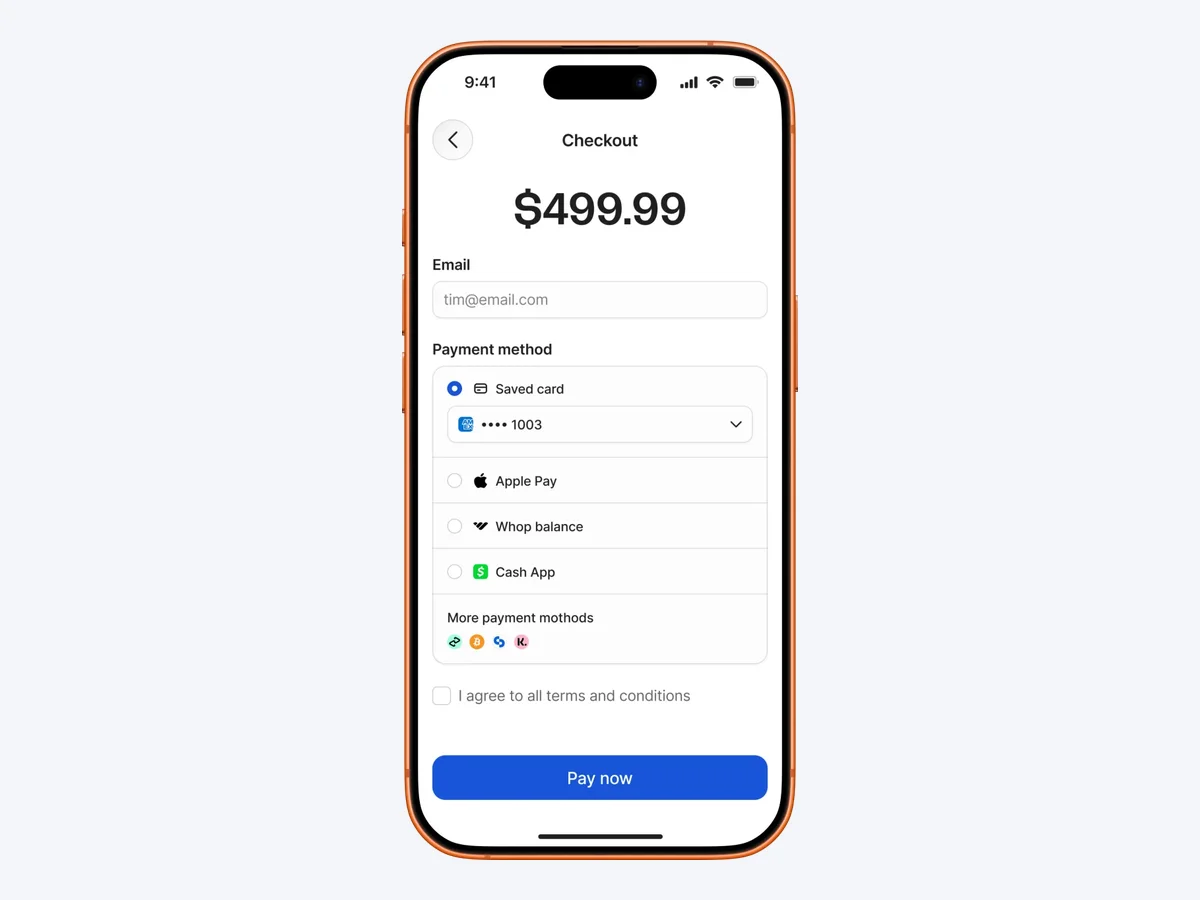
Whop started as a marketplace for paid Discord memberships and grew into a platform for any internet business: courses, coaching, communities, software, trading groups, and, since October 1, 2026, ecommerce stores. A seller creates a product, sets a one-time or recurring price, shares a checkout link, and Whop collects the money, gives the buyer access, and pays the seller out.
What Is Whop.com Used For?
- ▶Courses and coaching: lessons, live calls, and cohort access sold one-time or monthly.
- ▶Paid communities: Discord, Telegram, and Whop's own chat, with members added and removed automatically.
- ▶Trading and betting groups: signal and picks communities, one of Whop's largest categories, and the one to vet hardest.
- ▶Software and tools: subscriptions and license keys for apps, bots, and browser extensions.
- ▶Content Rewards (clipping): brands pay creators per 1,000 views; see our Whop clipping guide.
- ▶Ecommerce stores: physical products since October 1, 2026; see should your ecommerce brand switch to Whop.
Why Whop: 7 Reasons Businesses Use It
1. No monthly platform fee
Whop's fee page lists transaction fees, not a subscription. You pay 2.7% plus 30 cents on domestic cards, 1.5% more on international cards, and 1% more if currency conversion applies. Fraud tools are flat per event: $0.03 for 3D Secure and $0.07 for Radar screening.
2. Global payments without extra setup
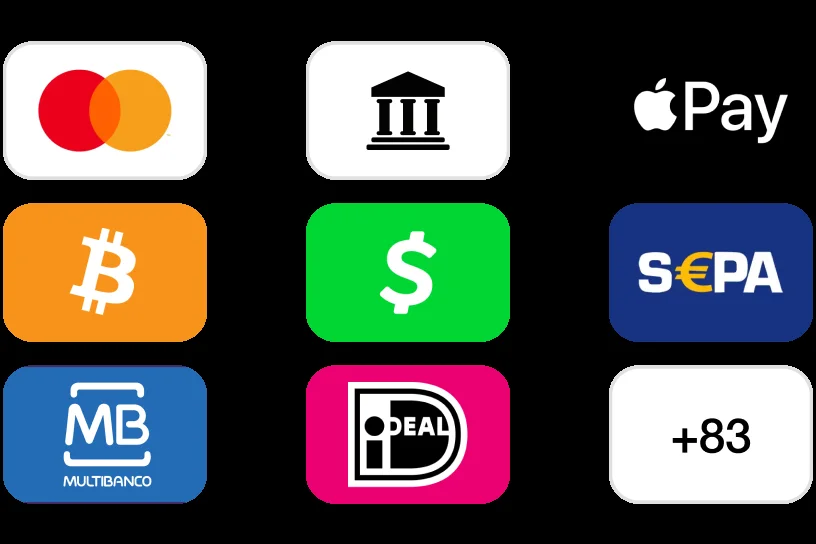
Whop lists 195 countries, 135+ currencies, and 100+ payment methods, including Apple Pay, Cash App, SEPA, iDEAL, Multibanco, bank transfers, and crypto. For sellers with buyers in Europe or Latin America, local methods often decide whether a checkout converts.
3. Buy now, pay later, paid upfront
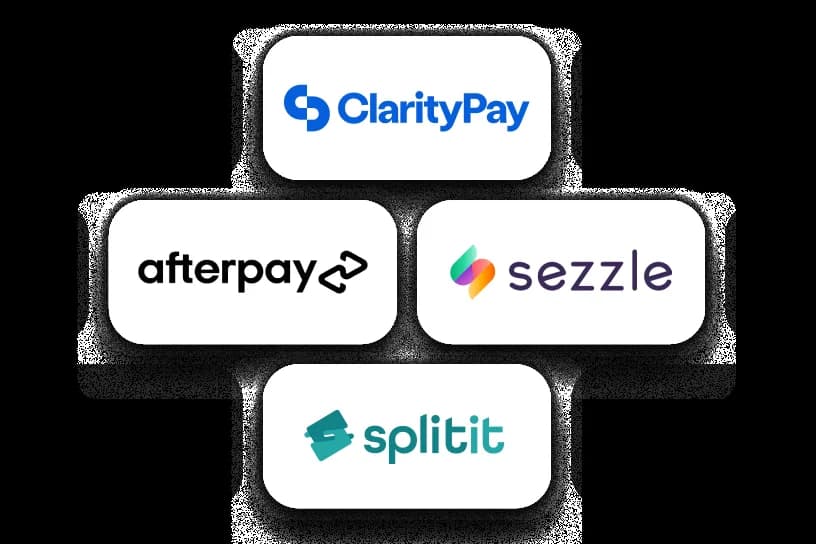
Buyers can split payments through financing partners while the seller gets paid upfront. Whop charges 15% per financed transaction, so it suits high-ticket offers where a payment plan lifts conversion enough to cover the fee. Eligibility, options, and how to apply are in our Whop financing guide.
4. Access is automatic
When someone pays, Whop grants access to the product, course, chat, or Discord, and removes it when they cancel. That replaces the manual step of emailing invite links, which is where many paid communities lose members.
5. Affiliates and failed-payment recovery built in
Sellers can run an affiliate program and pay affiliates instantly for a 1.25% processing fee. The billing layer (0.5% when enabled) handles invoices, real-time retries, and automatically updated cards, and orchestration (0.8%) routes payments across providers, which Whop says lifts revenue by about 6%.
6. A store builder and ecommerce support
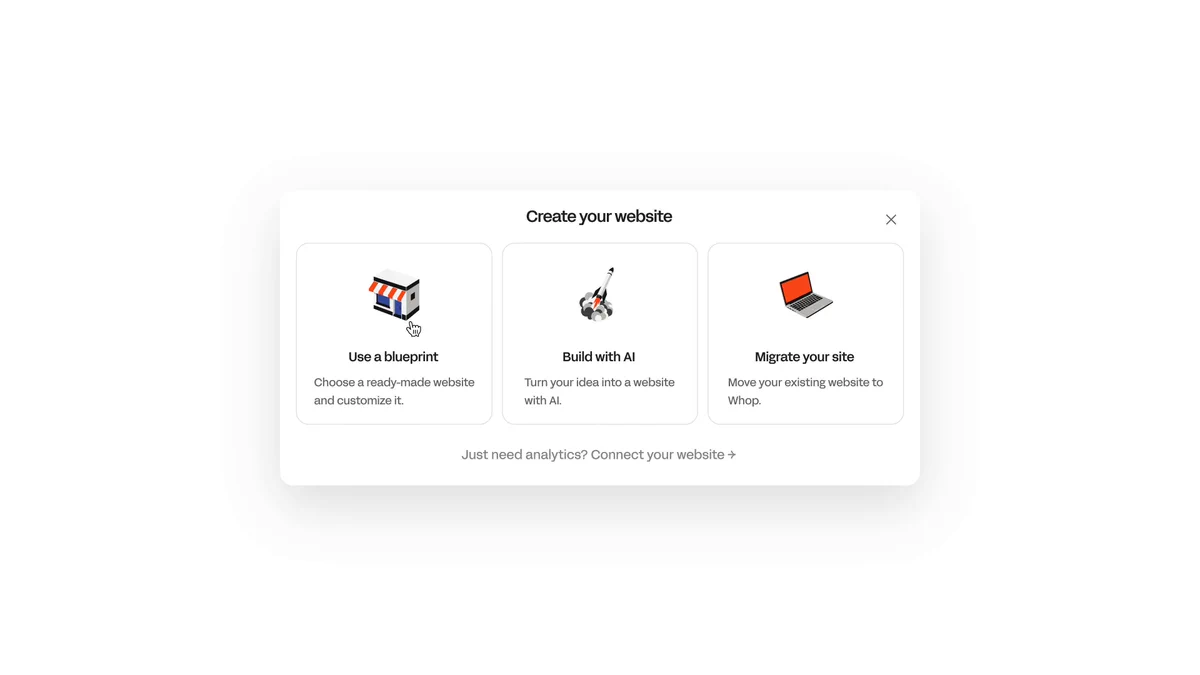
Whop's site setup offers a ready-made blueprint, an AI builder, or migrating an existing site, and Whop Migrations moves Stripe subscriptions with saved cards. For the full ecommerce case with cost math against Shopify, read should your ecommerce brand switch to Whop.
7. Payouts, ads, and banking in the same account
Sellers can cash out by next-day ACH for $2.50, instant bank deposit, wire, crypto, or local bank transfer, and run Meta, TikTok, and Google campaigns through Whop Ads. Balances and cards are covered in our Whop Wallet guide.
Why Whop Over Stripe, Shopify, or a Course Platform?
| Alternative | What it is | Why Whop instead |
|---|---|---|
| Stripe | A payments API you build on | Whop adds storefront, access, affiliates, and payouts without developers |
| Shopify | A store platform with a monthly plan and apps | No monthly plan; affiliates, BNPL, and retries are native |
| Course and community platforms | Hosting for lessons and members | Whop pairs hosting with global payments and a marketplace |
Shopiator summary from each platform's public pages, October 2026.
Stay where you are if your current stack already converts and the switch would cost you features you depend on. Our Whop vs Stripe and Shopify Payments comparison goes deeper on payments.
What Does Whop Cost?
| Fee | Whop rate |
|---|---|
| Domestic card | 2.7% + $0.30 |
| International card | +1.5% |
| Currency conversion | +1% |
| ACH debit | 1.5%, max $5 |
| Buy now, pay later | 15% |
| Billing (optional) | 0.5% |
| Tax collection (optional) | 2% |
| Affiliate payouts | 1.25% |
| Dispute | $15 |
| Next-day ACH payout | $2.50 |
From docs.whop.com/fees, October 4, 2026. Fees change; confirm before you sell.
Is Whop Free?
For buyers, yes: creating an account, browsing, and downloading the app cost nothing; you pay only for what you buy. For sellers, mostly: there is no monthly platform fee, but Whop takes a cut of each sale (the fee table above), and payouts cost extra unless you use a free option where available. Optional add-ons such as billing retries (0.5%) and tax collection (2%) only apply when you turn them on.
How to Sign Up for Whop
- 1.Go to whop.com/start and pick I have a business or I want a business.
- 2.Create your account with your email and set up your profile.
- 3.Complete identity verification (KYC). You need it before you can take payments or withdraw.
- 4.Create your first product, set a price, and connect access or fulfillment.
- 5.Add a payout method and place a small test order.
Whop App, Download, and Login
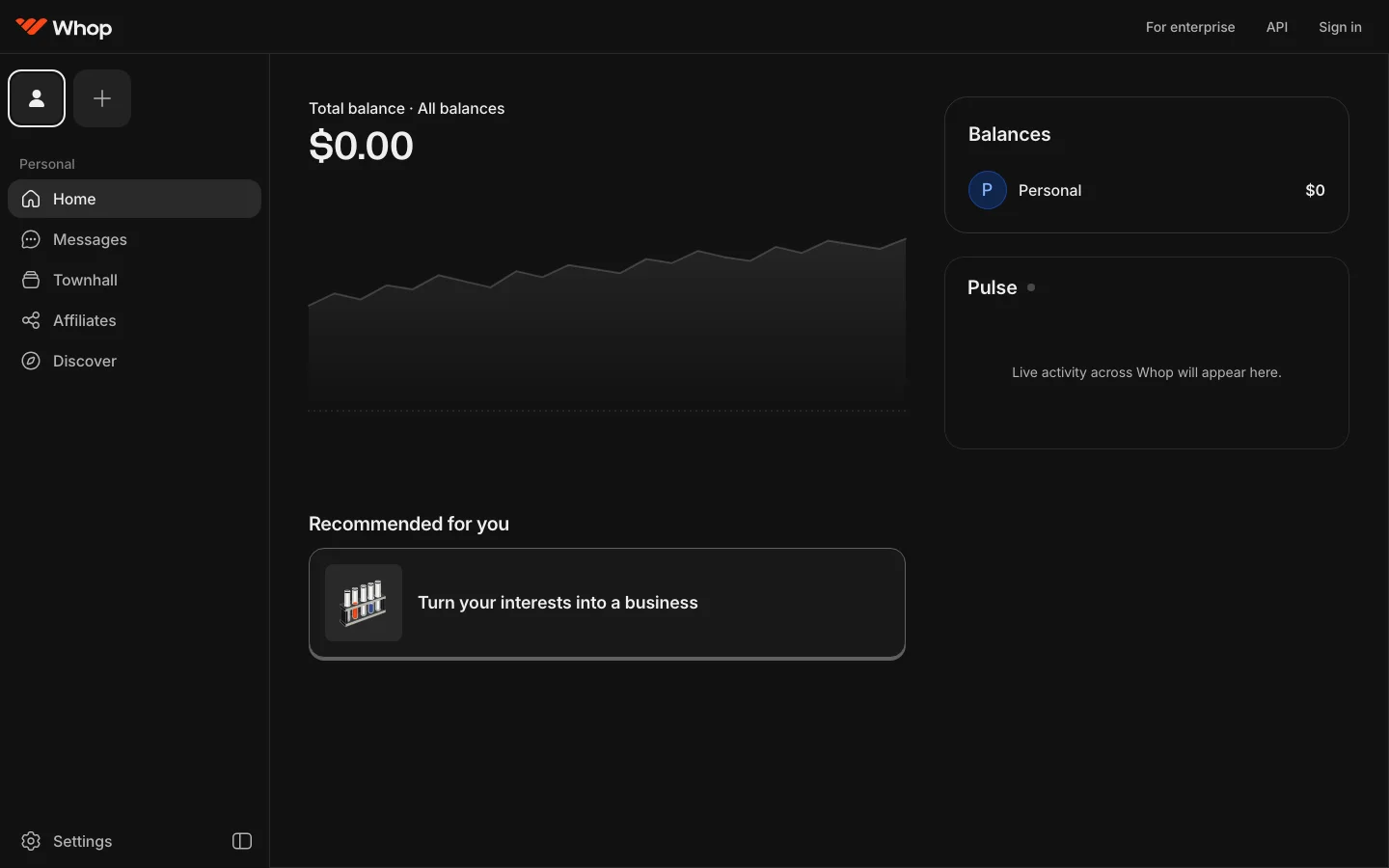
The Whop app is free on the App Store and rated 4.8 from about 58,000 ratings as of October 2026. Buyers use it to open purchases, chats, and courses; sellers use it to check sales and message members. To log in, click Sign in on whop.com or open the app with the email you used to buy or sign up. If you bought from a seller and never made an account, use the email on your receipt.
Is Whop Legit? What Sellers Complain About
Whop is a real US company processing payments for thousands of businesses, but go in with open eyes. On Trustpilot, Whop's rating is currently unavailable due to a breach of guidelines, and Trustpilot says it removed a number of fake reviews. Of 3,021 reviews, 65% are five stars and 30% are one star, a split that usually means strong fans and a sizeable group with real problems. For the full picture, including Reddit and buyer refunds, read our Whop reviews breakdown.
"I have almost $500 in my balance, my account is verified, but almost all of the money is still marked as pending and I can't withdraw it." (james sajedi, Trustpilot, September 26, 2026)
"So without knowing it I had a dashboard in their platform and they gave me a step by step tutorial to change the things I really needed." (Gerardo Bagatolli, Trustpilot, September 22, 2026)
The recurring seller complaints are pending balances and reserves, slow or AI-only support, and fees on wallet transfers that buyers say were not clear. Before moving revenue, read the payout and reserve terms and keep a second processor ready.
Who Should Not Use Whop
- ▶Stores that live on Google Shopping: Whop has not published Merchant Center feed support.
- ▶Large catalogs with complex shipping: Whop's docs still describe fulfillment through Zapier webhooks.
- ▶Businesses that need a human on the phone fast: recent reviews describe AI-first support.
- ▶Sellers who cannot absorb payout holds: read the reserve terms before launch.
How to Start on Whop
- 1.Create an account and complete identity verification.
- 2.Add a product, set a one-time or recurring price, and choose a store blueprint.
- 3.Connect access (course, chat, Discord) or fulfillment for physical goods.
- 4.Turn on only the add-ons you need, such as billing retries or tax.
- 5.Run a small batch of real orders and a test payout before you send traffic.
Comparing options? Read Whop vs Skool, Whop vs Gumroad, Whop Payments, and Whop AI.
No monthly platform fee. Set up your first product in minutes.
Start on WhopTest it with one product before you move your business.
Start on WhopFrequently Asked Questions
What does Whop mean?
Whop is the name of the company and platform, not an acronym. On a card statement, WHOP* followed by a name means a payment Whop processed for that seller.
What is the Whop ecosystem?
Whop's ecosystem is the set of tools around its checkout: memberships and access, a marketplace, affiliates, Content Rewards, Whop Ads, Whop Wallet and cards, a store builder, and AI tools, all in one account.
Is there a Whop APK for Android?
Download Whop from official app stores only. Avoid APK files from third-party sites, which can be modified or unsafe.
How do I change the email on my Whop account?
Open Settings in your Whop account to manage your profile and email. If you bought as a guest, log in with the email on your receipt first.
Why use Whop?
Whop combines checkout, global payments, memberships and access, affiliate payouts, buy now pay later, and a store builder in one account with no monthly platform fee. It suits digital products, communities, and small physical catalogs that want one platform instead of a stack of tools.
What is Whop used for?
Selling courses, memberships, paid communities, software, coaching, and increasingly physical products. Whop handles the payment, gives buyers access automatically, and pays out the seller.
How much does Whop cost?
Whop's fee page lists 2.7% plus 30 cents per domestic card transaction, plus 1.5% for international cards, with no monthly platform fee. Optional add-ons such as billing (0.5%) and tax collection (2%) stack on top when you enable them.
What is Whop?
Whop is a platform where people sell digital products, memberships, communities, software, and physical goods. It handles checkout, gives buyers access automatically, and pays sellers out in 200+ countries.
Is Whop free?
Joining Whop and browsing or buying is free, and the app is free to download. Sellers pay no monthly platform fee but pay per sale: 2.7% plus 30 cents on domestic cards, plus optional add-ons and payout fees.
How do I sign up for Whop?
Go to whop.com/start, choose I have a business or I want a business, create your account with email, and complete identity verification before you take payments.
Is there a Whop app?
Yes. The Whop app is free on the App Store, rated 4.8 from about 58,000 ratings as of October 2026, and lets buyers access purchases and sellers manage their business.
How do I log in to Whop?
Click Sign in on whop.com or open the Whop app and use the email you signed up with. If you bought through a seller's checkout, use the same email from your receipt.
Is Whop legit?
Whop is a real US payments platform with thousands of businesses on it. Its Trustpilot rating is currently unavailable because Trustpilot removed fake reviews, and recent complaints focus on pending payouts, reserves, and AI-only support. Our full [Whop reviews](/blog/whop-reviews-is-it-legit) breakdown covers it.
What does Reddit say about Whop?
Threads in trading and side-hustle subreddits generally treat Whop as a legitimate payment platform, while warning that individual sellers vary in quality and that some sellers report frozen payouts during account reviews.
Is Whop worth it for ecommerce?
For new brands and small catalogs, often yes, because there is no monthly plan and affiliates, retries, and BNPL are built in. Stores that depend on Google Shopping should wait until Whop supports Merchant Center feeds.
Why choose Whop over Stripe?
Stripe is a payments API you build on. Whop sits on top of payments and adds the storefront, access management, affiliates, community, and payouts, so you do not need developers to wire it together.
P.S. The Operator Audit is a full manual review of your account: 10 recommendation sets, a live findings call and a prioritized action plan. The $1,299 comes off your first month if you hire us within 30 days. Get the Operator Audit
Disclosure: Shopiator has a Whop referral link and may earn a commission if you sign up through it, at no extra cost to you. Shopiator does not operate Whop and is not responsible for its payouts, reserves, support, or account decisions; do your own due diligence.
Keep reading
Whop Reviews (2026): Is Whop Legit to Make Money?
Whop reviews from Trustpilot, the App Store, and Reddit: why Trustpilot paused its rating, what sellers and buyers complain about, refunds, and red flags.
ReadGuideWhat Is a WHOP* Charge on My Card Statement?
Seeing WHOP* plus a name like ECOMDREAMZ LLC on your card? Here's what the charge is, how to find the purchase, cancel it, and request a refund.
ReadGuideHow to Make Money on Whop (2026): 4 Ways That Pay
How to make money on Whop: clipping, affiliate links, selling a product, and Whop Partners. Real pay rates, fees, and which earning claims to ignore.
Read