What Is a WHOP* Charge on My Statement?How to Find It, Cancel It, and Get a Refund

By Santosh Kumar, Founder of Shopiator
Seeing WHOP* plus a name like ECOMDREAMZ LLC on your card? Here's what the charge is, how to find the purchase, cancel it, and request a refund.
A line like WHOP* ECOMDREAMZ LLC on a card statement sends a lot of people to Google. The short version: Whop is a payment platform, and the name after the asterisk is the seller you paid through it.
Here is how to work out what you bought, stop it renewing, and get your money back if something is wrong.
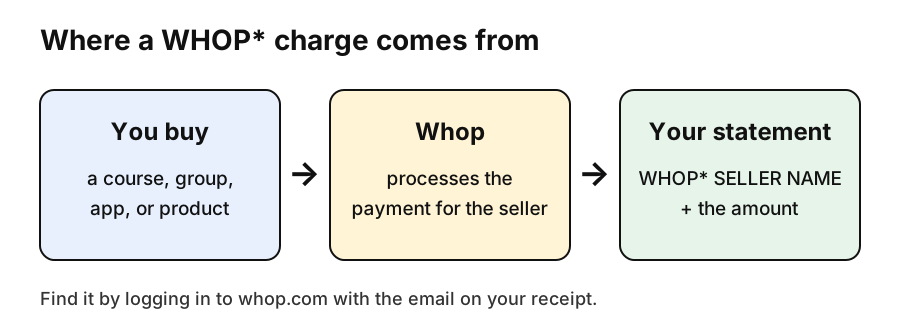
Why Your Statement Says WHOP*
Whop processes payments for thousands of sellers: course creators, Discord and Telegram communities, trading and betting groups, software tools, and since October 2026, ecommerce stores. When you pay one of them, your bank shows Whop as the processor and the seller's name after the asterisk. That is why one person may see several different WHOP* lines, one per seller.
How to Find What the Whop Charge Was For
- 1.Search your inbox, including spam, for an email from Whop or the seller around the charge date.
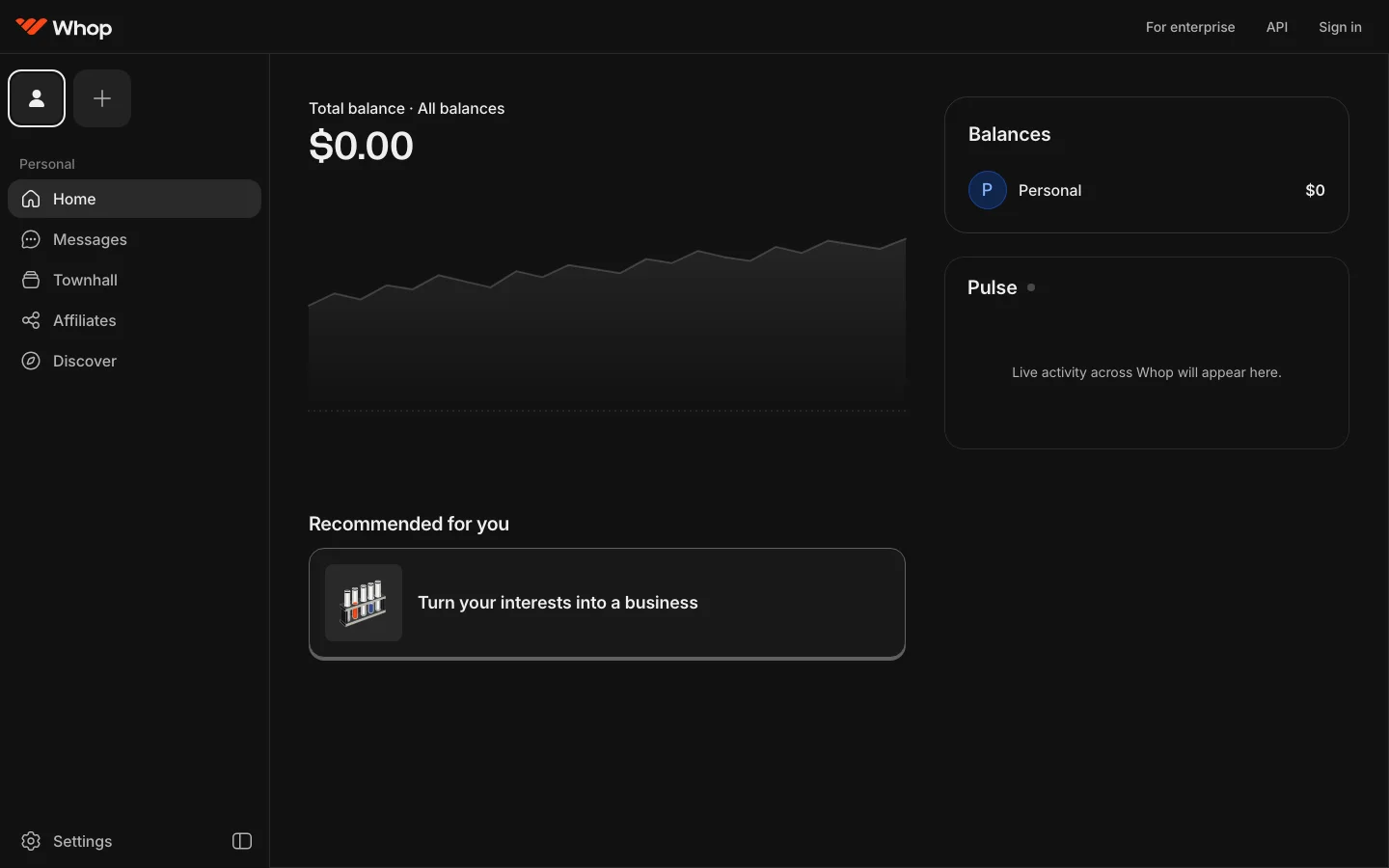
- 2.Log in at whop.com, or in the Whop app, with that email. If you bought through a seller's checkout without making an account, the email on the receipt is still your login.
- 3.Open Billing, Receipts, or Payments to see every purchase, amount, and date.
- 4.Open your memberships to see anything that renews automatically.
How to Cancel a Whop Subscription
Many WHOP* charges are monthly memberships, and a common complaint is a trial that turned into a paid plan. Cancel the membership in your account before the next billing date. Cancelling stops future charges only; it does not refund what you already paid.
How to Get a Refund
- 1.Find the payment in Billing, Receipts, or Payments.
- 2.Choose Request refund or Get help and explain why in a few sentences.
- 3.The seller has 7 days to accept, deny, or ask for more information.
- 4.If the seller does not respond, Whop's team steps in. Whop says you get a decision within a week.
Source: Whop's docs on requesting a refund and the Resolution Center. Sellers set their own refund policies, so read the one shown at checkout.
If You Don't Recognize the Charge at All
- ▶Ask your household. A partner or child may have bought a course, game tool, or community with your card.
- ▶Search every email you use for Whop receipts; the purchase email may not be your main inbox.
- ▶Replace the card if it is not yours. One App Store reviewer said Whop told them a seller had obtained their card details outside the app, advised a new card, and removed the seller.
- ▶Dispute with your bank as the last step. A chargeback is a separate process from a Whop refund request.
Why not try selling on Whop yourself? It handles checkout, access, and payouts with no monthly fee. Here's why Whop works, what it costs, and who it suits.
About this page
Shopiator is not affiliated with Whop or any seller and cannot look up or refund charges. For account help, use Whop's Resolution Center or contact your bank. Steps reflect Whop's public docs as of October 4, 2026. For more on the platform, see Whop reviews: is it legit.
Frequently Asked Questions
What is a WHOP* charge on my card?
It is a payment processed by Whop on behalf of a seller. The text after WHOP* is usually the seller's business name, such as an LLC that runs a course, community, app, or store sold through Whop.
What is WHOP* ECOMDREAMZ LLC?
It is a purchase from a seller operating as Ecomdreamz LLC, billed through Whop. Log in to whop.com with the email on your receipt to see the exact product and whether it renews.
How do I find what a Whop charge was for?
Search your email for a receipt from Whop, then log in at whop.com with that email and open Billing, Receipts, or Payments. Every purchase and active membership is listed there.
How do I cancel a Whop subscription?
Log in to whop.com or the Whop app with the purchase email, open your memberships, and cancel the one that renews. Cancelling stops future charges but does not refund past ones.
How do I get a refund for a Whop charge?
Find the payment in Billing or Payments and choose Request refund or Get help. The seller has 7 days to respond, and if they do not, Whop decides. Whop says you get a decision within a week.
What if I never bought anything on Whop?
Check whether a family member used your card and search every email you use for a Whop receipt. If you still cannot find it, contact your bank, replace the card, and dispute the charge.
P.S. The Operator Audit is a full manual review of your account: 10 recommendation sets, a live findings call and a prioritized action plan. The $1,299 comes off your first month if you hire us within 30 days. Get the Operator Audit
Keep reading
How to Make Money on Whop (2026): 4 Ways That Pay
How to make money on Whop: clipping, affiliate links, selling a product, and Whop Partners. Real pay rates, fees, and which earning claims to ignore.
ReadGuideWhop vs Skool (2026): Fees, Features, and Which to Pick
Whop vs Skool compared: Skool's $9 and $99 plans vs Whop's no-monthly-fee model, real cost at $1k, $5k, and $20k a month, plus Whop vs Discord.
ReadGuideWhop vs Gumroad (2026): Fees for Digital Products Compared
Whop vs Gumroad for ebooks and digital products: Gumroad's 10% + 50 cents and 30% Discover fee vs Whop's 2.7% + 30 cents, with a per-sale breakdown.
Read