Ecom Payment Processing on WhopFees, Methods and Payouts

By Santosh Kumar, Founder of Shopiator
Whop Payments explained: 2.7% + 30 cents processing, 100+ payment methods, BNPL, payout methods and fees, disputes, and how it compares to Shopify Payments and Stripe.
Whop processes payments specifically for digital and access-based sales: courses, communities, software, and digital products, not general physical-goods ecommerce. It supports over 100 payment methods surfaced automatically by buyer location, including crypto, digital wallets, and buy-now-pay-later, per Whop's own payments documentation.
Shopiator has a referral relationship with Whop, disclosed in full below. We are a Google Ads agency, not a Whop merchant ourselves, so the figures here are sourced from Whop's public fee documentation and independent breakdowns, cross-checked across multiple sources rather than taken from a single vendor page.
The Real Fee Structure, Line by Line
| Fee | Rate | When it applies |
|---|---|---|
| Base processing | 2.7% + $0.30 | Every successful domestic card transaction |
| Gated community fee | Not currently listed | Has appeared and been removed from Whop's fee page at different points; check before pricing a Discord/Telegram-gated tier |
| International card | +1.5% | Card issued outside the seller's home country |
| Currency conversion | +1% | Transaction requires currency conversion |
| Fraud screening (Radar) | +$0.07 | Per transaction, where enabled |
| 3D Secure | +$0.03 | Per transaction, where enabled |
Source: docs.whop.com/fees, checked live September 2026, cross-referenced against independent fee trackers. Archived copies of that page show a 3% gated-community surcharge present as of December 2025 and gone by February 2026, with no public announcement of the change; the live page checked for this post lists no such surcharge, so treat any flat percentage quoted for that fee as a snapshot, not a current fact.
Stacked together, a seller running fraud screening and 3D Secure on a gated Discord community sale that happens to fall under an active gated-community surcharge would land close to 2.7% + $0.40 plus that surcharge, before any international charge. Since that surcharge has come and gone from Whop's own fee page without notice, the reliable move is pricing off whatever Whop's fee page shows at the time of sale, not a number from an older post.
Payment Methods: What Whop Actually Supports
- ▶Cards: standard credit and debit processing as the base method.
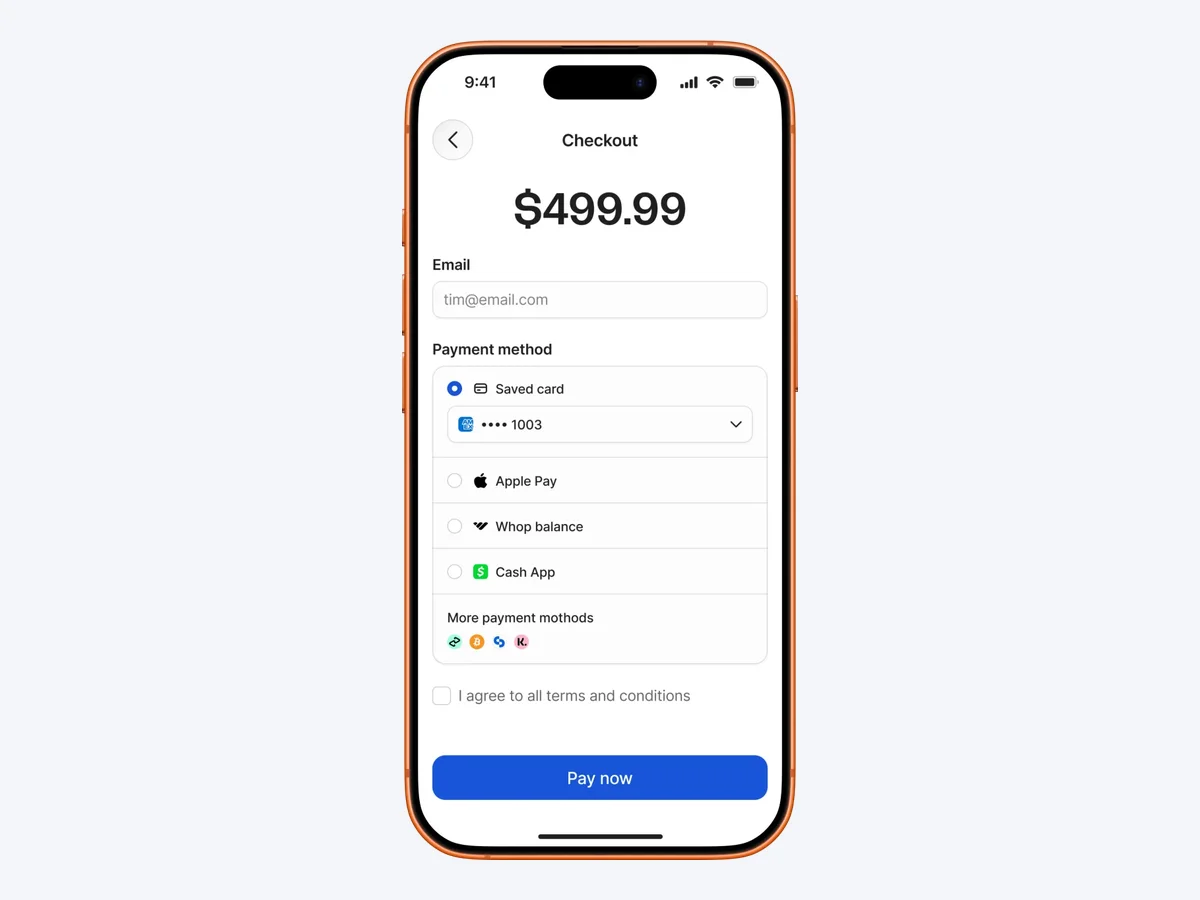
- ▶Digital wallets: Apple Pay is supported on embedded checkout after a one-time domain verification.
- ▶Cryptocurrency: Bitcoin, Ethereum, and other major coins, both for buyer payment and, on the payout side, seller balance withdrawal.
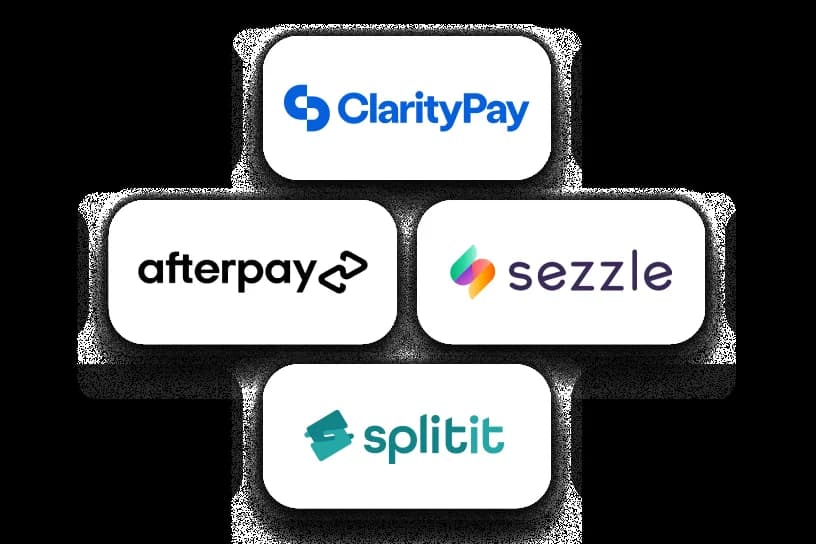
- ▶Buy now, pay later: Klarna, Afterpay, Splitit, Sezzle, and PayPal, letting buyers split cost while the seller receives the full amount upfront.
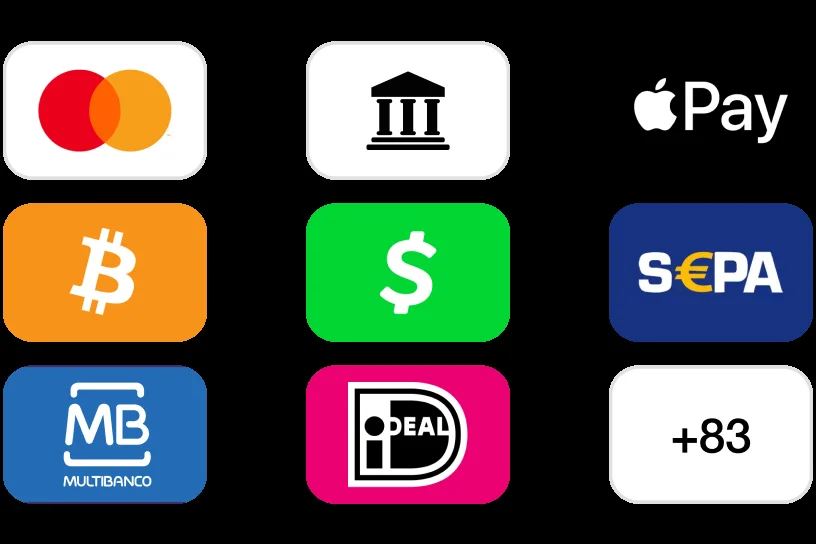
- ▶Local and regional rails: part of the 100+ payment methods Whop surfaces automatically based on the buyer's location.
New to Whop or still deciding? Start with why Whop: what it does, what it costs, and who should skip it.
Buyers who see an unfamiliar charge can check what a WHOP* charge on a card statement means.
Accept cards, crypto, and BNPL for digital or access-based sales.
Set Up Payment Processing on WhopHow Disputes and Chargebacks Actually Work
Whop charges a flat $15 fee per dispute regardless of who wins, and its dispute-fighting process automatically assembles an evidence package, proof of delivery, access logs, the refund policy, and any buyer communication, and submits it on the seller's behalf. The final decision still sits with the buyer's issuing bank, not Whop; if the bank sides with the buyer, the disputed amount is deducted from the seller's balance in addition to the $15 fee already charged.
Whop vs a Typical Shopify Payments or Stripe Setup
| Whop | Shopify Payments / Stripe | |
|---|---|---|
| Scope | Digital and access-based products, courses, communities | General ecommerce, physical and digital goods |
| Base rate | 2.7% + $0.30, no monthly fee | 2.5-2.9% + $0.30 (Shopify Payments, plan-dependent) or 2.9% + $0.30 (Stripe) |
| Bundled tooling | Storefront, checkout, community gating, and course hosting included | Payment processing only; storefront and course/community tools are separate paid apps |
| Dispute fee | $15 flat per dispute | Varies by processor, commonly a flat fee in a similar range |
| BNPL and crypto | Native support for Klarna, Afterpay, Splitit, Sezzle, and crypto | Requires separate app integrations for BNPL and crypto on most Shopify setups |
Rates as published by each provider, checked September 2026. Source: docs.whop.com/fees, Shopify's published payment plan pricing, and Stripe's standard online rate.
Do / Don't
- ▶Do check Whop's live fee page before pricing a Discord/Telegram-gated tier; a gated-community surcharge has come and gone without notice.
- ▶Do use Whop's native BNPL and crypto support if your audience actually uses them, rather than bolting on separate apps.
- ▶Do keep evidence (delivery proof, access logs) organized so Whop's automatic dispute submission has something to work with.
- ▶Don't try to run physical-goods fulfillment payments through Whop; it isn't scoped for that.
- ▶Don't assume the headline 2.7% is your total cost on a gated community sale; model the stacked fees against the live fee page.
- ▶Don't cite a fixed gated-community fee percentage from any single source, including this one; Whop has changed that fee at least once in the past year without announcing it.
What Creators Report
Independent reviews of Whop's payment processing generally agree the base rate is competitive for straightforward digital sales, and the built-in BNPL and crypto support is a genuine convenience over stitching together separate apps on a typical Stripe or Shopify Payments setup. The most consistent criticism is that the true cost isn't obvious from the headline rate alone: reviewers who add fraud screening, 3D Secure, and, when active, a gated-community surcharge describe an effective cost meaningfully above the headline 2.7% on that specific use case. Since that surcharge has been added to and removed from Whop's own fee page at different points without announcement, the number worth modeling is whatever the live fee page shows at the time of pricing, not a fixed figure from a review.
For the full head-to-head numbers against Stripe and Shopify Payments across different sale types, see our dedicated fee comparison. And if the storefront itself, not just payments, is the open question for a physical-goods brand, Whop for ecom operators covers what it does and doesn't replace. For what happens to funds once a payment clears, including the balance-to-Card path, see our Whop Wallet guide, our Whop Cards guide, which also covers where Whop Cards are available.
Accept cards, crypto, and BNPL for digital sales.
Get Started With WhopFrequently Asked Questions
What are Whop's payment processing fees?
Whop lists 2.7% plus 30 cents per successful domestic card transaction, plus 1.5% for international cards and 1% when currency conversion applies, with no monthly fee.
What payment methods does Whop accept?
Whop lists 100+ payment methods across 195 countries, including cards, Apple Pay, Cash App, SEPA, iDEAL, Multibanco, ACH bank debits, crypto, and buy now pay later through financing partners.
What are Whop's payout methods?
Next-day ACH ($2.50), instant bank deposit (4% plus $1), crypto (5% plus $1), Venmo for US recipients (5% plus $1), bank wire ($23), and local bank transfers in many countries.
Is Whop a good payment processor?
Whop's fees are competitive with Stripe and Shopify Payments and it adds local methods and BNPL. Reviews and Reddit discussions flag payout holds during account reviews, so read the reserve terms and keep a backup processor.
What does Whop charge to process a payment?
2.7% + $0.30 per successful domestic card transaction, with no published monthly platform fee, per [Whop's fee documentation](https://docs.whop.com/fees). International cards add 1.5% and currency conversion adds a further 1%. A separate surcharge on sales gated through Discord or Telegram community access has appeared and been removed from that published fee page at different points over the past year, so check the current page directly rather than assuming a fixed rate.
Does Whop support crypto payments?
Yes. Whop supports major cryptocurrencies including Bitcoin and Ethereum for both buyer payments and, on the payout side, as one of the methods sellers can receive funds in, alongside standard bank transfer and Venmo.
Does Whop support Apple Pay?
Yes, on Whop's embedded checkout, after a one-time domain verification step, per [Whop's documentation on enabling Apple Pay](https://whop.com/blog/apple-pay-whop/?a=shopiator).
Does Whop support buy-now-pay-later options like Klarna?
Yes. Whop integrates with several BNPL providers including Klarna, Afterpay, Splitit, Sezzle, and PayPal, letting buyers split payments while the seller still receives the full amount upfront.
How does Whop handle a payment dispute or chargeback?
Whop charges a $15 administrative fee per dispute regardless of outcome, and automatically submits an evidence package (proof of delivery, access logs, refund policy, communications) on the seller's behalf. The customer's issuing bank makes the final decision; if the dispute is lost, the transaction amount is deducted from the seller's balance.
Is Whop cheaper than Stripe for an ecom seller?
For a straightforward digital sale, Whop's 2.7% + $0.30 is slightly below Stripe's standard 2.9% + $0.30 online rate. Whop has, at points over the past year, added a surcharge on sales gated through Discord or Telegram that pushed the effective rate above Stripe's flat rate; that surcharge is not on Whop's fee page as of this writing, but the safest move before pricing a gated tier is checking [Whop's current fee page](https://docs.whop.com/fees) directly rather than relying on a fixed comparison.
Can Whop replace Shopify Payments for a physical-product store?
No. Whop is not built as a general ecommerce payment processor for physical inventory and fulfillment; it is scoped to access-based and digital sales. A physical-product store keeps Shopify Payments or Stripe as its processor and would only add Whop for a separate digital or community product line.
Disclosure: Shopiator has a referral relationship with Whop and may earn a commission if you sign up through the link on this page, at no extra cost to you. We don't operate, control, or guarantee Whop's payment processing, fees, or payouts, so do your own due diligence before processing payments through it.
Keep reading
Whop vs Stripe vs Shopify Payments: Real Fee Comparison for 2026
The actual per-transaction fees for Whop, Stripe, and Shopify Payments in 2026, cross-checked against each provider's published pricing, plus the tooling Whop bundles in that a bare Stripe or Shopify setup would need separate paid apps for.
ReadCreator CommerceWhop for Coaches and Consultants: Masterminds and Access Tiers
Live coaching and paid mastermind groups run differently on Whop than packaged video courses: pricing tiers, drip-gated cohorts, and role-based access for different coaching groups. Here's how coaches and consultants structure it.
ReadGuideMeta Ad Account Suspended? What Fixes It for Ecommerce Brands
Your Meta Business Manager gets suspended, your ad account gets restricted, or Meta just kills it outright, no warning, no clear reason. Here's what actually causes it, why appealing rarely works, and how ExiScale, AdRevival, and UpROAS compare on replacement speed if you decide to move to agency infrastructure.
Read