Google Merchant Center SuspendedEvery Common Reason, and How to Get Reinstated

By Santosh Kumar, Founder of Shopiator
Google Merchant Center account suspended? The common suspension reasons, warning vs immediate suspension, cool down periods, and how to request a review that works.
A Google Merchant Center suspension switches off your Shopping ads and free listings in one go. The good news: most suspensions can be reversed. The bad news: every failed review costs you time, so it pays to understand exactly why the account was suspended before you touch the appeal button.
Common Reasons Google Merchant Center Suspends Accounts
| Reason | What it usually means | What to fix |
|---|---|---|
| Misrepresentation | Google cannot verify your business or offers | Identity, policies, and location consistency |
| Missing return and refund policy | No clear returns terms on the site | Publish the policy and match Merchant Center settings |
| Insufficient contact information | Customers cannot find how to reach you | Legal name, address, phone, and email on the site |
| Website needs improvement | Placeholder content, broken links, or missing info | Clean up the site and secure checkout with HTTPS |
| Unsupported or counterfeit products | Products Google Shopping does not allow | Remove or fix the offending products |
| Circumventing systems (abuse of the network) | Trying to get around an earlier suspension | Stop; this can become permanent |
Shopiator summary from Google Merchant Center Help and our client cases, October 2026.
Misrepresentation is the most common and the hardest to read. If that is your issue, see what Google Merchant Center misrepresentation means.
Warning vs Immediate Suspension
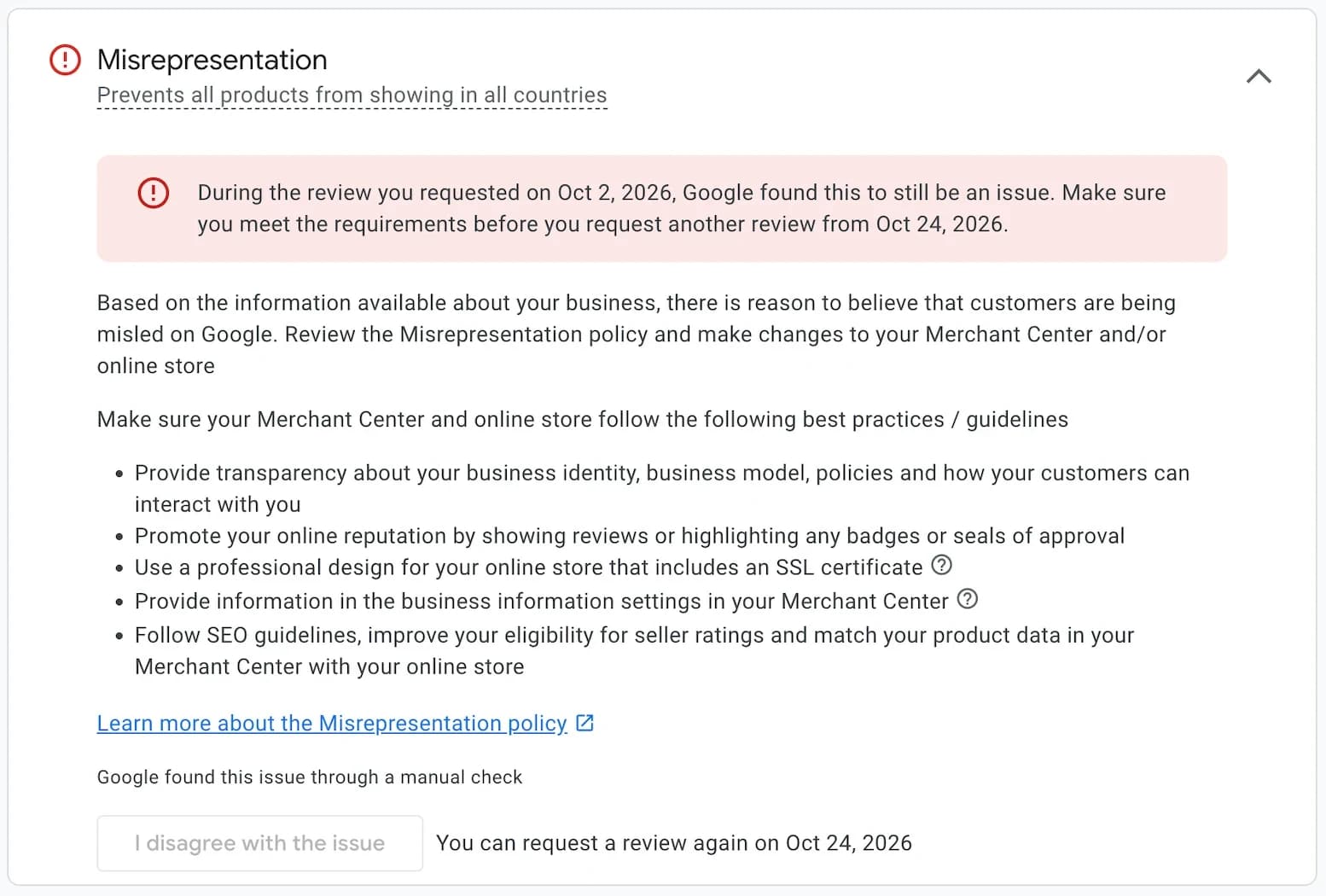
According to Google Merchant Center Help, accounts are reviewed regularly. When products are out of compliance, Google sends a warning with a deadline, and products may keep showing with limited visibility. If the violation is fixed in time, the account is reviewed automatically at the end of the period. For egregious policy issues, there is no warning: the account is suspended immediately.
How to Request a Review That Works
- 1.Read the issue on the Needs attention page and the emails Google sent.
- 2.Audit your website and Merchant Center against that policy, not just the obvious item.
- 3.Fix the website, then the Merchant Center business information and policies.
- 4.Wait 24 to 48 hours so Google recrawls your changes.
- 5.Complete identity verification if Google asks for it.
- 6.Request the review from the Home page, the issue banner, Needs attention, or Diagnostics.
The Cool Down Period
Google gives you a few chances to request a review, then starts a cool down. The review button is disabled, the account stays suspended, and each unsuccessful review afterwards can lengthen the next cool down. Use that time to fix the store properly. The end date appears under Products, Needs attention, then View setup and policy issues.
Getting Help With a Google Merchant Center Suspension
If your suspension is for misrepresentation, the Google Merchant Center Misrepresentation Fix Guide gives you the 29-point fix-then-appeal process we used to get 100+ accounts approved this year alone. Want to check your store first? Try the free misrepresentation checklist preview.
The 29-point Google Merchant Center misrepresentation fix process and appeal template. $99.
Get the Fix GuideFrequently Asked Questions
Why was my Google Merchant Center account suspended?
Usually for a policy violation: misrepresentation, a missing return and refund policy, insufficient contact information, a website that needs improvement, unsupported or counterfeit products, or trying to get around an earlier suspension. Your Merchant Center Needs attention page names the issue.
Does Google warn you before suspending Merchant Center?
Usually. Google sends a warning with details and a deadline. For egregious violations, the account is suspended immediately without warning.
How long does a Merchant Center review take?
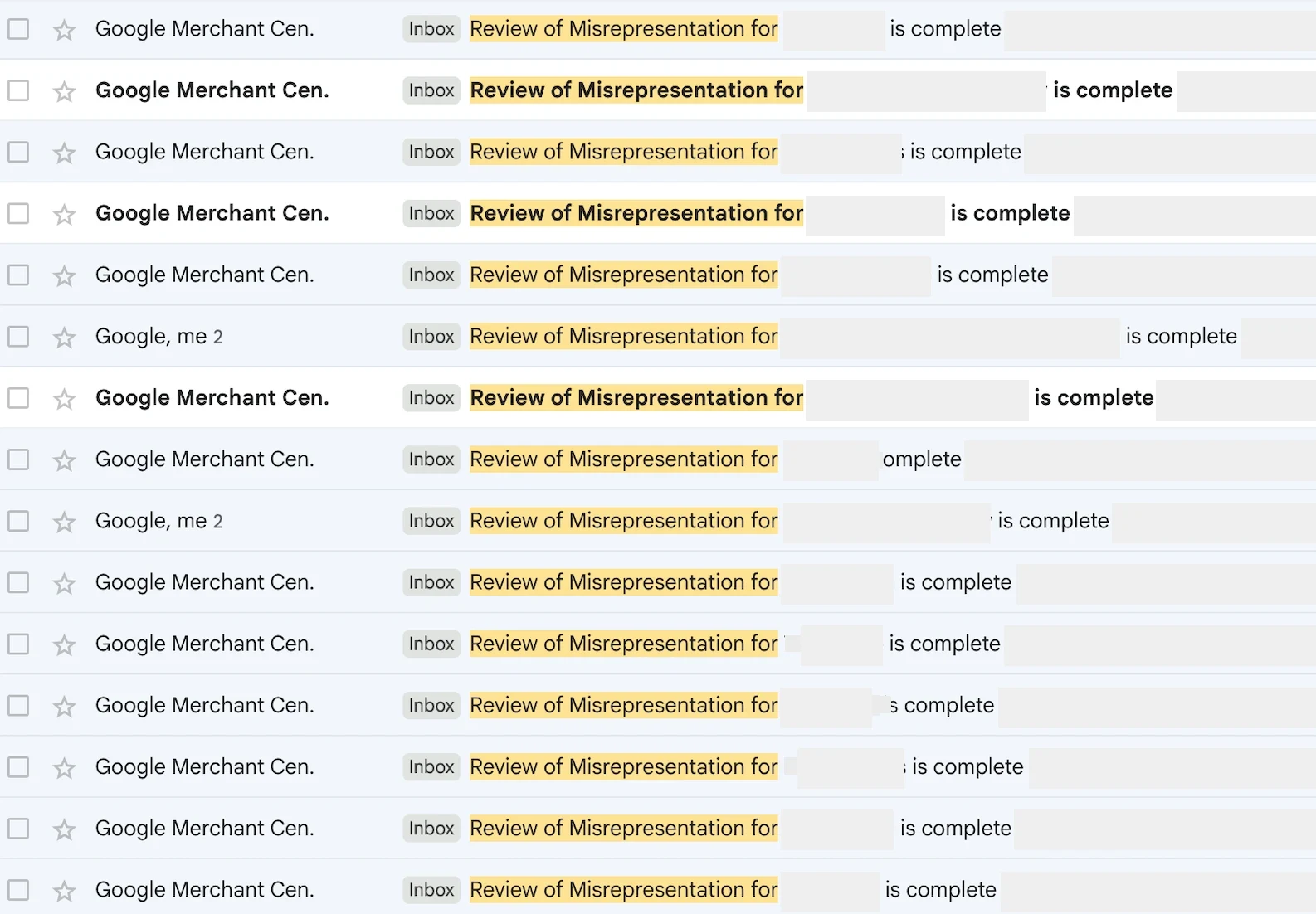
Google says review requests typically take 3 to 7 business days, and you get an email when the review is complete.
What is the cool down period?
After unsuccessful reviews, Google disables the review button for a period and the account stays suspended. Each failed review can make the next cool down longer. You can see the end date under Needs attention in Merchant Center.
Can I create a new Merchant Center account if mine is suspended?
No. Opening another account to get around a suspension is treated as circumventing systems and can lead to a permanent ban across your accounts.
Suspended right now?
The exact 29-point process behind every misrepresentation suspension we've gotten lifted, with the appeal template we file.
Keep reading
8 Best Google Merchant Center Apps for Ecommerce (2026)
The best Shopify apps for syncing products to Google Merchant Center, ranked by a Google Ads agency that runs Shopping and Performance Max for Shopify brands. Live App Store ratings, 1-star review share, cost at 1,000 to 10,000 products, and the two-feed-app mistake that doubles your catalog.
ReadGoogle Merchant CenterDon't Buy an Aged Google Merchant Center Account (Ecommerce)
Buying an aged Google Merchant Center account and switching the domain to your store is not the same trick as an aged Meta ad account. Here's why Google catches it fast, a real $4,000 case we fixed, and what to do instead.
ReadCreator CommerceWhop Financing - BNPL Options, Eligibility, Fees and How to Apply
Whop financing explained: 13 buy now pay later options, the 15% fee, eligibility ($30,000 in 90 days), how to apply, dispute limits, and why it may not show.
Read